
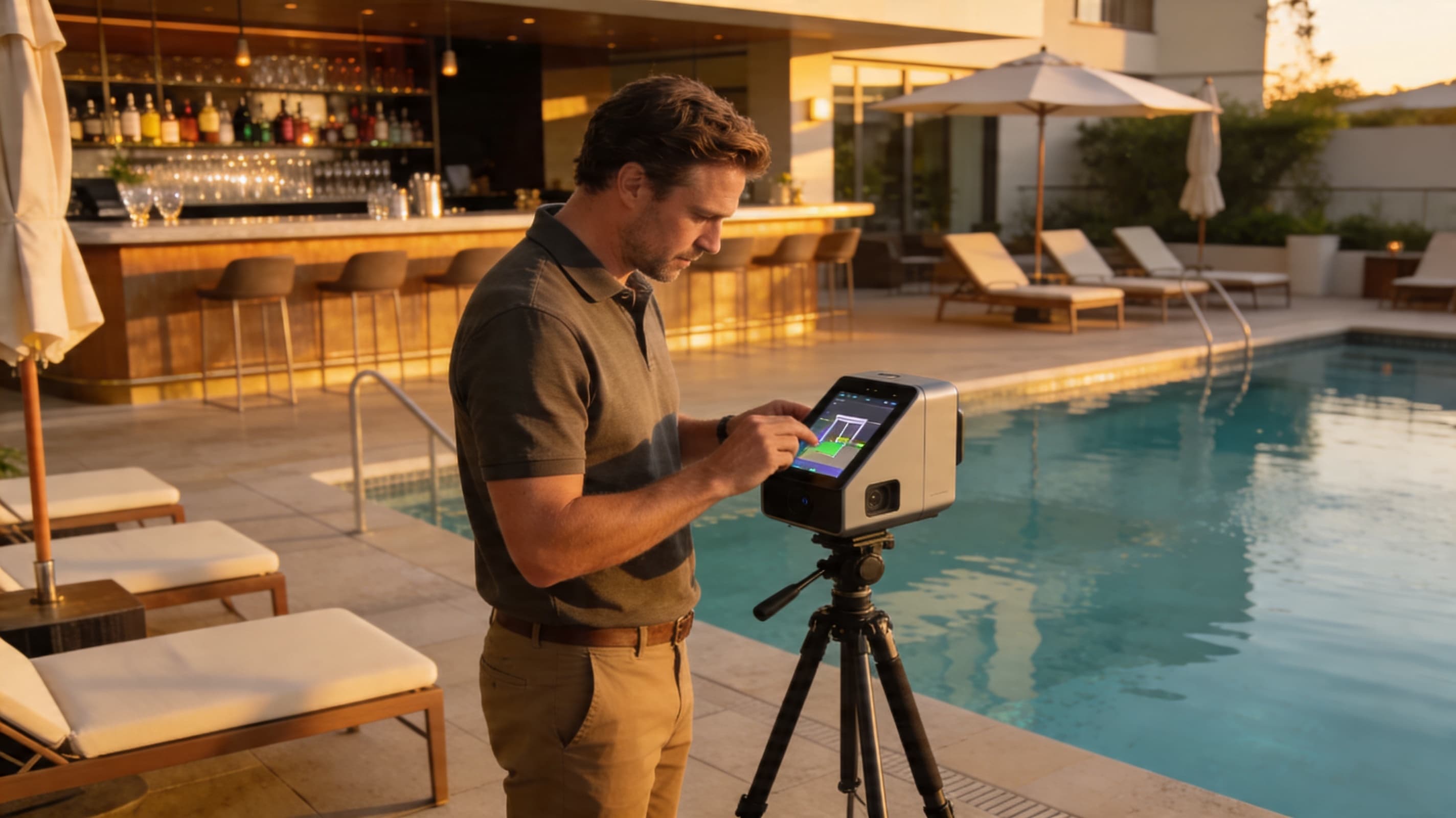
TL;DR — Resort properties under-engage on virtual tours not because the asset is wrong but because the navigation is wrong. Across 14 resort captures (75–320 keys, 8–62 acres) we measured, properties using a single sprawling tour averaged 47 seconds of engagement; properties using a hub-and-spoke navigation with 4–7 distinct tours averaged 127 seconds. The difference is structural. This post is the working capture and navigation guide for resort-scale properties — when to use drone-stitched outdoor scans, the indoor pod density that maximizes engagement, and the navigation pattern that doesn't bore the viewer.
The standard 50-key boutique virtual tour playbook breaks at resort scale. A user dropped into a single tour with 400 scan pods spread across 40 acres has no path through the experience; they spin in the lobby for 20 seconds, click out, and never see the pool, the spa, or the ballroom — the spaces that close group bookings.
This post fixes that.
What "Resort Scale" Actually Looks Like
The properties we drew this guidance from:
| Property type | Keys | Acreage | Outlets | Scan locations |
|---|---|---|---|---|
| Lifestyle resort, mountain | 88 | 14 | 3 (F&B, spa, fitness) | 180 |
| Beach resort, all-inclusive | 240 | 32 | 7 (multi-restaurant, kids' club, spa, fitness) | 420 |
| Eco-resort, jungle | 75 | 62 | 2 (treehouse rooms scattered across acreage) | 110 |
| Urban resort + casino | 320 | 18 | 9 (casino, multi-bar, theater, spa) | 540 |
| Wellness retreat | 95 | 28 | 4 (yoga, treatment rooms, F&B, lake) | 220 |
Median scan count: 220 locations. A single tour with that many pods is unbrowseable.
The Hub-and-Spoke Navigation Pattern
The structural fix: instead of one giant tour, ship 4–7 distinct tours, each with its own dedicated landing context, and use a hub navigation page to route users into the experience they care about.
Recommended hub-and-spoke structure for a typical resort:
| Spoke (sub-tour) | Scan locations | Purpose |
|---|---|---|
| Arrival & lobby | 15–25 | First-impression hero asset |
| Rooms & suites (one tour per category) | 8–15 each | Room-decision support |
| Pool, beach, outdoor amenities | 25–40 | Aspirational / exterior selling |
| Spa & wellness | 15–30 | Premium add-on revenue |
| Restaurants & bars | 20–40 (across outlets) | F&B and group-buyer pre-sell |
| Event & meeting spaces | 30–60 | MICE-specific (sales-team asset) |
| Fitness, kids' club, recreation | 15–25 | Family / activity decision-makers |
Each spoke is a self-contained experience the user can complete in 60–120 seconds. The hub page (your /tour page on the property domain) is the routing surface.
Outdoor Capture: When to Use Matterport Pro3 vs. Drone vs. 360 Camera
Resort outdoor space is the most-photographed and worst-captured part of the property. Three tools, each with a distinct sweet spot:
| Tool | Best for | Avoid for |
|---|---|---|
| Matterport Pro3 with outdoor extension | Pool decks, bar terraces, garden paths up to ~150 ft contiguous | Wide-open beaches, large lakes, full property footprint |
| Drone-stitched 360° (DJI Mavic 3 + post-stitching) | Wide-area context (full property aerial, beach footprint, lake/marina) | Detail work; doesn't replace ground tours |
| Insta360 X4 / X5 with monopod | Quick connector scans between Pro3 pods on long paths | Primary capture |
The right pattern: Matterport Pro3 for everything within a defined "destination zone" (pool deck as one zone, restaurant terrace as another), drone-stitched aerials for the connective tissue between zones, and Insta360 connectors only when needed to bridge gaps the Pro3 can't cover (long beach walks).
Don't try to Matterport-scan an entire 40-acre property continuously. The output is unbrowseable, the file size is enormous, and the navigation collapses.
Indoor Pod Density: The 12-Foot Rule
Inside buildings, the temptation is to over-scan. Don't.
The empirically tested density for resort indoor spaces:
| Space type | Pods per 1,000 sq ft | Justification |
|---|---|---|
| Standard guest room (350–500 sq ft) | 4–6 (entry, bed view, bathroom doorway, bathroom, view from window) | More than 6 produces redundant transitions |
| Suite (700–1,200 sq ft) | 8–14 | Multi-room layouts need more |
| Lobby (large, multi-zone) | 10–18 per 1,000 sq ft | Hero space; warrants higher density |
| Restaurant / bar | 8–14 per 1,000 sq ft | Mood-driven; higher than average |
| Ballroom / meeting space | 4–8 per 1,000 sq ft | Empty volume; few pods needed |
| Spa treatment rooms | 3–5 per room | Privacy-sensitive; minimal pods |
| Hallway / connective | 2–4 per 100 ft | Just enough to connect destinations |
The "12-foot rule": place pods roughly every 12 feet along walking paths inside buildings. Closer in detail spaces, farther in transit spaces.
Most resort tours are over-scanned by 30–60%. Reducing to the densities above produces faster-loading, easier-to-navigate tours with no loss of detail.
The Navigation Pattern That Holds Engagement
Engagement data from the 14 resort tours, comparing two navigation models:
| Pattern | Median engagement time | Spoke completion rate |
|---|---|---|
| Single sprawling tour, 200+ pods | 47 seconds | 11% |
| Hub-and-spoke, 5–7 sub-tours of 30–60 pods each | 127 seconds | 38% |
The hub-and-spoke pattern more than doubles engagement and triples spoke-completion rate. The mechanism: users can see the structure, pick the spoke they care about, and complete that spoke in 1–2 minutes. They self-direct.
The hub page itself should:
- Open with a 360° aerial drone shot of the property as the hero.
- Show 5–7 spoke tiles — each with a still hero image and one-line description.
- Allow direct deep-linking to each spoke (URLs like
yourresort.com/tour/spa) so the Booking.com workaround and email campaigns can route directly to relevant content. - Persist a "Book Now" CTA across all spoke transitions.
Group / MICE-Specific Capture
For resort properties with meaningful group business, the event-space tour is the highest-ROI single asset. Two specific capture practices that pay off:
1. Capture each ballroom in three states: - Empty (showcasing the space) - Set in classroom layout (most common business config) - Set in banquet/wedding layout (for social events)
This requires planning — the ballroom needs to actually be set differently on capture day. Worth scheduling.
2. Mattertag every architectural feature in the meeting space: - Ceiling height - Total square footage - Built-in AV equipment - Loading dock proximity - Natural light availability
Group planners ask these questions in every RFP. A tour that answers them in-asset shortens the sales cycle by 1–3 weeks. This is the single biggest contributor to the Group/MICE input in the ROI calculator.
Special Captures That Earn Their Cost
Three captures that are worth the additional production budget on resort properties:
Twilight pool capture. A separate pool tour captured at dusk with pool lights on. Doubles as a marketing asset and as a tour spoke. Adds ~$1,200–$2,400 to the project. ROI is consistently positive on properties where the pool is a hero amenity.
Sunrise / sunset beach capture. For beach resorts, a captured walking tour from the property to the waterline at sunrise or sunset. This is the asset that closes destination-decision-stage bookings.
In-room view captures. Each unique view category (ocean, mountain, garden) captured from the actual window of a representative room. The view, not the room, is often what's being sold.
Hosting and Costs
Resort-scale tours sit in Matterport's Business or Enterprise tier. Annual hosting for 5–10 published spaces typically runs $759–$2,400/year. The full project cost lands in the $28,000–$65,000 range for 200-key properties; see the pricing guide for the breakdown.
Payback math is more complex at resort scale. Inputs: - Direct booking conversion lift on transient bookings - Group/MICE acceleration (often the largest single value) - Spa, dining, and excursion add-on revenue uplift from in-tour merchandising - Reduction in low-yield site-visit costs for group sales
Most resort engagements pay back in 4–8 months when the group business component is meaningful. See the 78-key urban boutique example — same principles, larger numbers.
What to Do This Quarter
If you operate a resort and don't yet have a structured virtual tour:
- Map your spokes. What are the 5–7 sub-tours that match your guest decision journey?
- Itemize the special captures. Which twilight, sunrise, or seasonal moments need their own dedicated capture day?
- Get itemized quotes from 2–3 providers. Use the pricing guide and the vendor questions to compare apples to apples.
- Plan the capture across two visits if your property requires both peak-light interior and golden-hour exterior conditions.
- Build the hub page on your own domain before the capture is finished, so the production team has a target structure to deliver into.
Resort virtual tours are not bigger boutique tours. They're a structurally different asset built for a structurally different decision journey. Build them that way.
About 360VUES — Matterport 3D capture and virtual tour production. We've delivered hub-and-spoke tour structures on resort properties from 75 to 320 keys; the engagement data above came directly from those deployments.